
What if your next binge was also your next lesson?
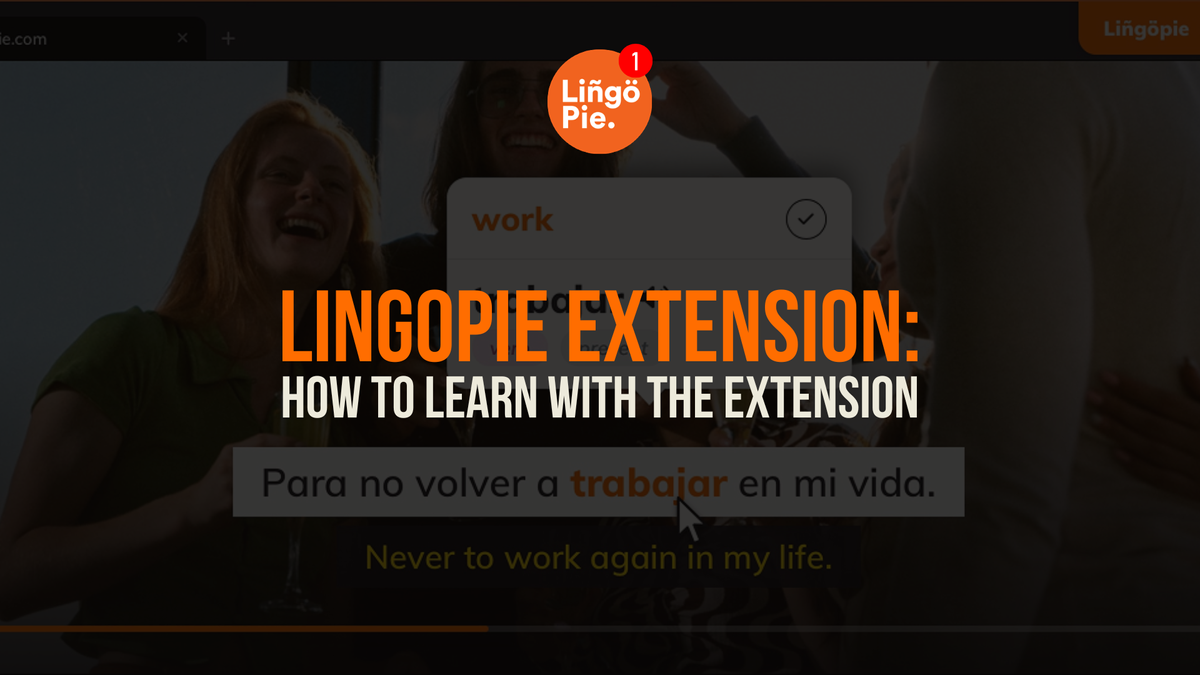
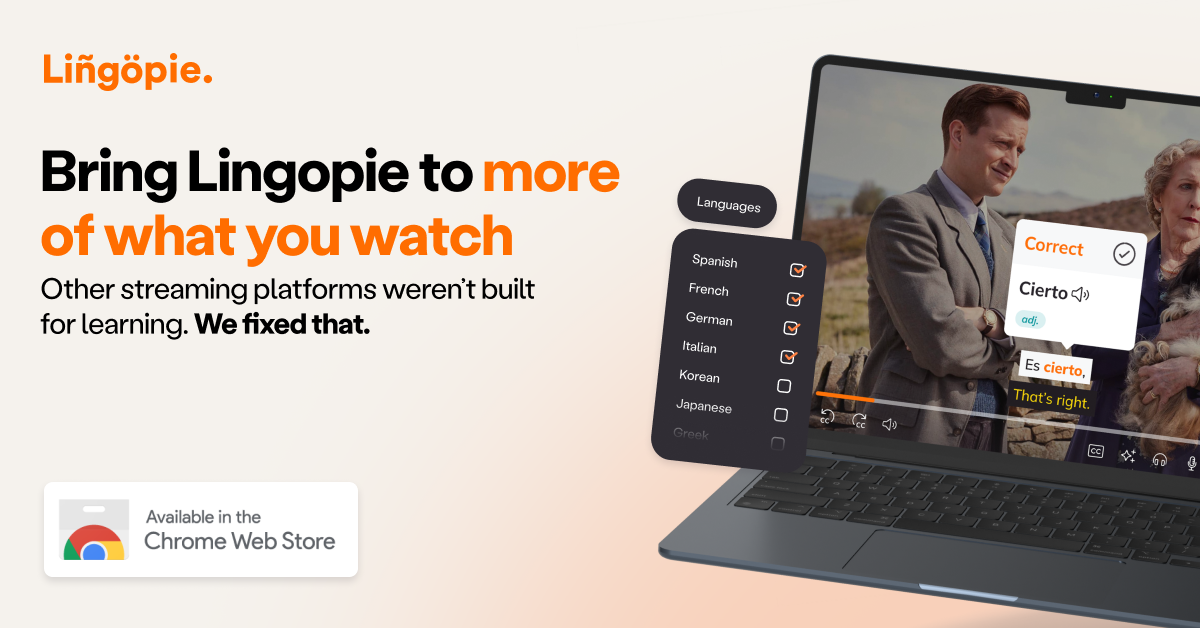
That's exactly what the Lingopie Chrome extension makes possible. Starting today, you can watch TV shows and movies with dual subtitles, click any word for an instant translation, and save vocabulary directly from scenes you'll actually remember — all without pausing, tab-switching, or breaking immersion.
What Is the Lingopie Chrome Extension?
The Lingopie Chrome extension is a language learning tool that runs directly in your browser while you watch. It turns any show or movie into an interactive lesson, with subtitles and features designed to actually teach you the language instead of just helping you follow the plot.
The extension comes packed with four tools built around how people naturally learn through content:
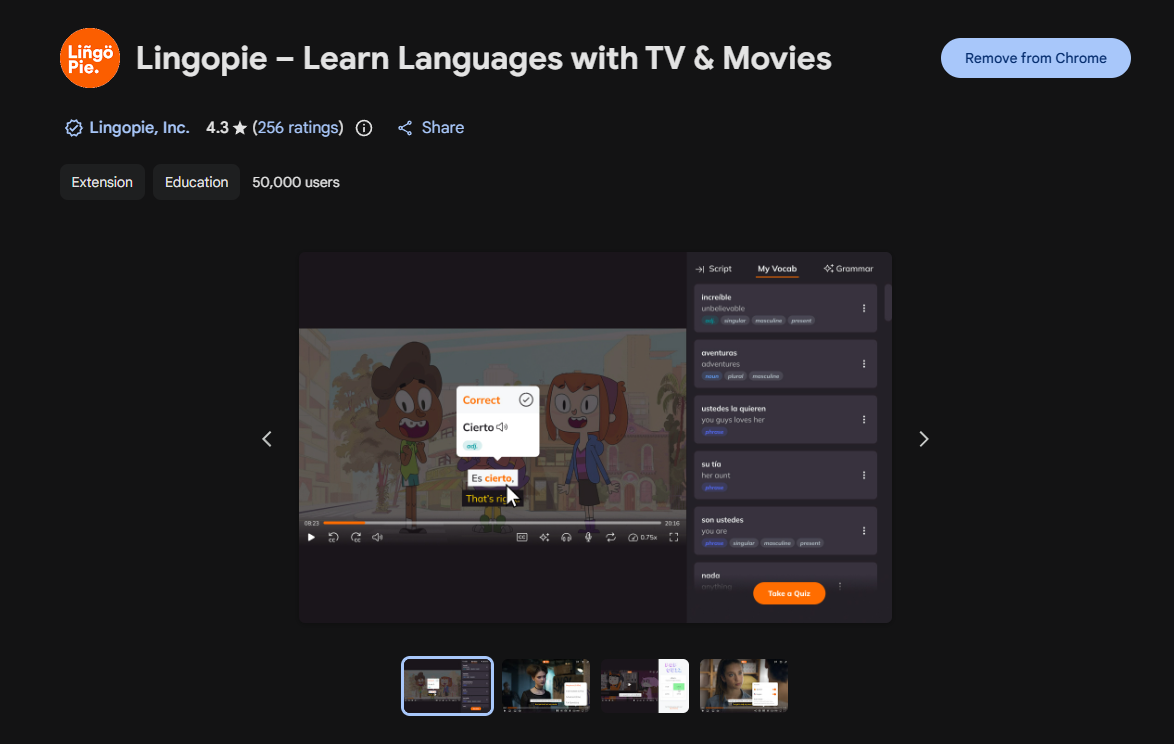
- Dual Subtitles - Watch with subtitles in both your native language and the one you're learning. Click any word or phrase, and you get an instant translation, a definition, and context-based grammar help right in the episode.
- Interactive Vocabulary Builder - Every word you click becomes part of your personal flashcard deck.
- AI Grammar Help - Confused by a sentence? Get an instant explanation without leaving the episode. Grammar as it's actually used, not as a set of rules to memorize.
- Progress Tracking - Watch your vocabulary grow in real time. Track your comprehension and learning consistency with simple insights based on your activity.
Is the Lingopie Extension Good for Beginners?
Absolutely! The extension was built to support learners at every stage.
- Beginners can build comprehension with interactive quizzes while watching.
- Intermediate learners can reinforce new words faster through real videos.
- Advanced learners can focus on sentence structure, nuance, and context in authentic content.
Which Languages Does the Lingopie Extension Support?
The extension currently supports 14 languages: Spanish, French, Portuguese, Italian, German, Korean, Japanese, Chinese, Russian, Turkish, Dutch, Hebrew, Greek, and Polish.
New languages are being added regularly, so keep an eye out for updates!
Is the Lingopie Extension Included in My Subscription?
Yes! The Chrome extension comes with your Lingopie membership at no extra cost. And it's just one part of what your subscription unlocks — you also get:
- Exclusive Lingopie Originals made for language learners
- Interactive podcasts to sharpen your listening
- Short stories with translations for reading practice
Ready to get started?
If you're already a Lingopie member, just add the extension to Chrome, and you're good to go. If you're new, why not start with a free 7-day trial first — then download the extension and start learning with your next episode.
Frequently Asked Questions
Is the Chrome extension free to use?
The extension is included with your Lingopie subscription. You can try Lingopie free for 7 days.
Does it work on Safari?
No. The extension is Chrome only — Safari support has been discontinued.
Which languages does the extension support?
Spanish, French, Portuguese, Italian, German, Korean, Japanese, Chinese, Russian, Turkish, Dutch, Hebrew, Greek, and Polish. More are being added regularly.
Do I need a streaming subscription?
Yes. Lingopie does not come with a streaming subscription, as you'll use the extension alongside the streaming platforms you already have access to.
I'm a complete beginner. Will this work for me?
Absolutely! The extension includes beginner-friendly features like interactive quizzes to help you build comprehension while watching. You don't need to be advanced to start learning with real content.

![8 Best Greek TV Series You Need To Watch Today [2026]](/blog/content/images/2026/02/Greek-TV-Shows.jpg)